12 May 2026 | Linux, Networking, Programming, TekTalk, Video |
 When you hear the word “linux”, you probably think of nerds hidden away in a cramped office, managing all the servers that make our high-tech modern world actually go.
You probably also associate “linux” with “security”.
Unfortunately, recent events have shown that the truth is a bit more… holey. Like, Swiss cheese holey.
From Copy Fail to cPanel to Dirty Frag, the linux server community has been utterly hammered by nasty exploits in the past weeks.
We’ll tell you what happened, what it means, and how to protect yourself and your gizmos!
(more…)
8 September 2025 | Computers, How to, Linux |
 Despite my many posts on how to fix Windows, I use linux just as much.
Specifically, I use Ubuntu Server since it’s my favorite.
So what happens when you do ‘apt update‘ and your repositories time out? It’s rare, but it happens.
Most people suggest overly complicated manual methods of editing /etc/apt/sources.list
That’s not very fancy, so let’s automate it!
(more…)
25 March 2025 | Computers, How to, Linux |
 WSL, or Windows Subsystem for Linux, is super-useful for running linux in Windows 10/11.
But what happens when you want to copy your WSL flavor of linux to another machine?
With WSL2, it’s super-easy!
Just type a few commands, and you’re off and running…
(more…)
12 November 2024 | Do-It-Yourself, How to, Linux, Networking |
 With fiber internet, ultra-high download speeds are pushing the envelope in terms of home routers.
While 1 Gbps Ethernet used to be enough, many ISPs are offering 2Gbps speeds – and up!
Unfortunately, your standard home router these days usually only offers a single 2.5 Gbps multigig Ethernet port – and sometimes NO 2.5 GbE ports at all.
So what do you do if you need multiple 2.5 gig Ethernet ports?
Why, you roll your own router, of course! It’s a lot easier than it seems…
(more…)
8 August 2023 | Computers, How Does it Work?, Linux |
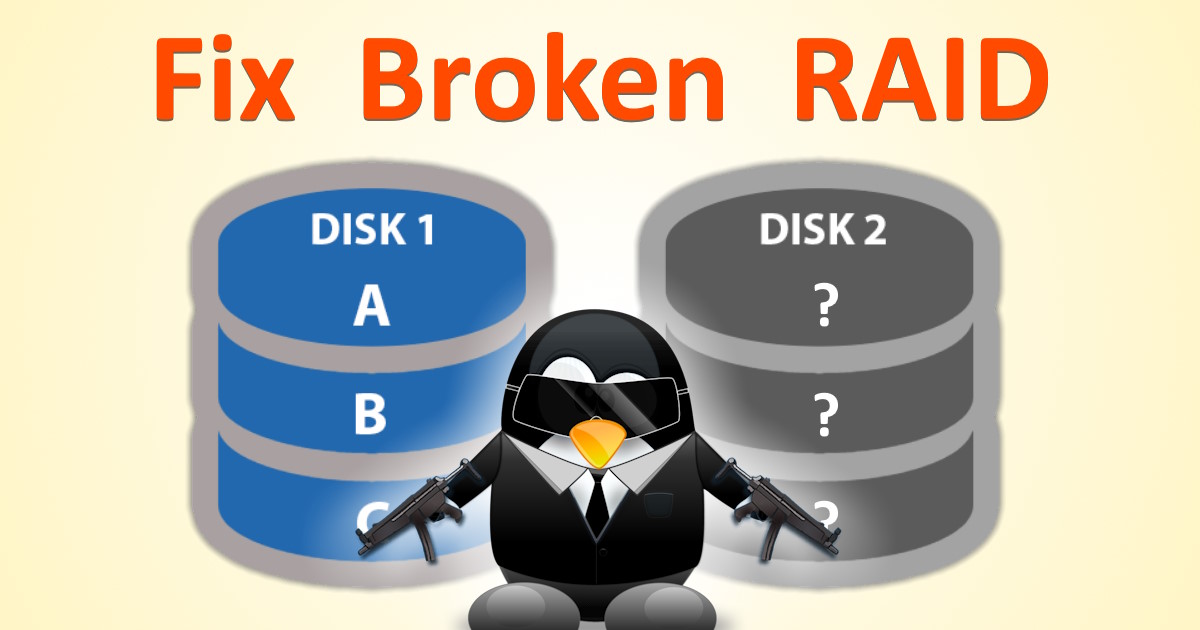
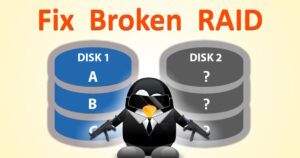 Software RAID is great, especially for servers. While you can use RAID for increased speed, most people use RAID mirroring so that all data is written to two identical disks.
If one disk fails, your server stays up because the 2nd drive still works. But what happens when a drive fails?
The replacement process obviously requires your hosting company to the replace the drive.
But both before and after the physical drive replacement, you’ve got some work to do!
(more…)
22 November 2022 | Linux, Uncategorized |
 If you’re using Windows Subsystem for Linux (WSL), you may be wondering how to upgrade your flavor of linux in place.
Whether you’re using WSL or WSL2, you could just go to the Windows Store and download the whole new shebang.
In my case, I was using Ubuntu 18.04 LTS, and it’s gonna die in the near future. So, I wanted to do a double-upgrade from 18.04 to 20.04 to 22.04. I’ve got a ton of stuff installed and configured, shell scripts set up, rsync, git, and so on – and I didn’t want to have to redo all of it.
Due to some strange error messages when you try do-release-upgrade, it doesn’t seem like you can do an in-place upgrade in WSL1/2 – but you can!
(more…)
23 June 2020 | Computers, Linux, Networking, Programming |
 Ubuntu server 18.04 LTS is a rather popular linux OS for servers.
Unfortunately, it doesn’t come without its problems. For example, the current version of stunnel – an SSL tunnel – is woefully outdated.
It seems that although Canonical is aware of the problem, they have no intention of fixing it!
Fortunately, there’s an easy workaround that’s much simpler than you might think…
(more…)
26 May 2020 | Computers, Linux, Programming |
 ImageMagick is great. It allows your web app to process, resize, filter, and do all kinds of other nifty things with images.
Not so long ago, ImageMagick 7 was released. One of the big new features was full support for WEBP images, the new image format from Google.
Now, you might think it’s easy to just upgrade to ImageMagick 7. If you’re using a linux OS like Ubuntu, you just apt install and you’re done, right?
Well, no…
(more…)
24 December 2019 | Computers, Linux |
 If you use Ubuntu Desktop, using a USB stick is a piece of cake. You just plug it in, read/write files, and yank it out again.
But what about Ubuntu Server?
Try the same thing, and you end up with a USB stick that can only be accessed by root. Well, that’s probably not what you want!
There are several ways to solve this problem, but by far the easiest – believe it or not – is to add a touch of Windows…
(more…)
16 October 2018 | Computers, Linux |
 Another Windows 10 upgrade is here: the Windows 10 October 2018 update.
For those of us using WSL, or “Linux on Windows”, that means potential mayhem.
When the last Win 10 upgrade version was released, I installed it. I then discovered that my Ubuntu icon no longer loaded anything – except a Bash window with an error message that Ubuntu on Windows was no longer installed!
Oops.
Fortunately, it’s pretty easy to fix!
(more…)

 When you hear the word “linux”, you probably think of nerds hidden away in a cramped office, managing all the servers that make our high-tech modern world actually go.







Recent Comments