19 March 2024 | Computers, How to |
 You’ve tried everything: Task Manager, Startup Apps in Settings, even uninstalling some applications…
Nevertheless, that pesky app is still firing up every time you restart your Windows puter.
Wouldn’t it be nice if there was an EASY way to see all your startup apps and disable them in a few clicks?
There is! And it’s made by none other than Microsoft…
(more…)
31 October 2023 | Computers, How to, Video |
If your Windows PC is stuck doing updates, you’ve got the Blue Update Screen of Death. Even rebooting doesn’t help. What to do? Easy! Fix it like a PRO.
(more…)
26 October 2023 | Computers, How to, Video |
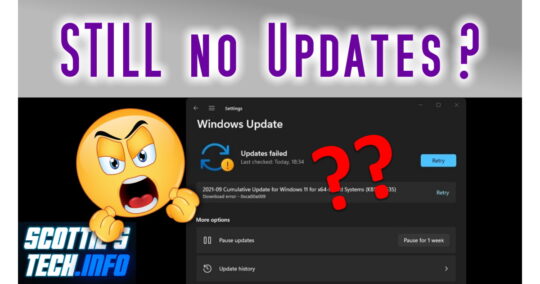
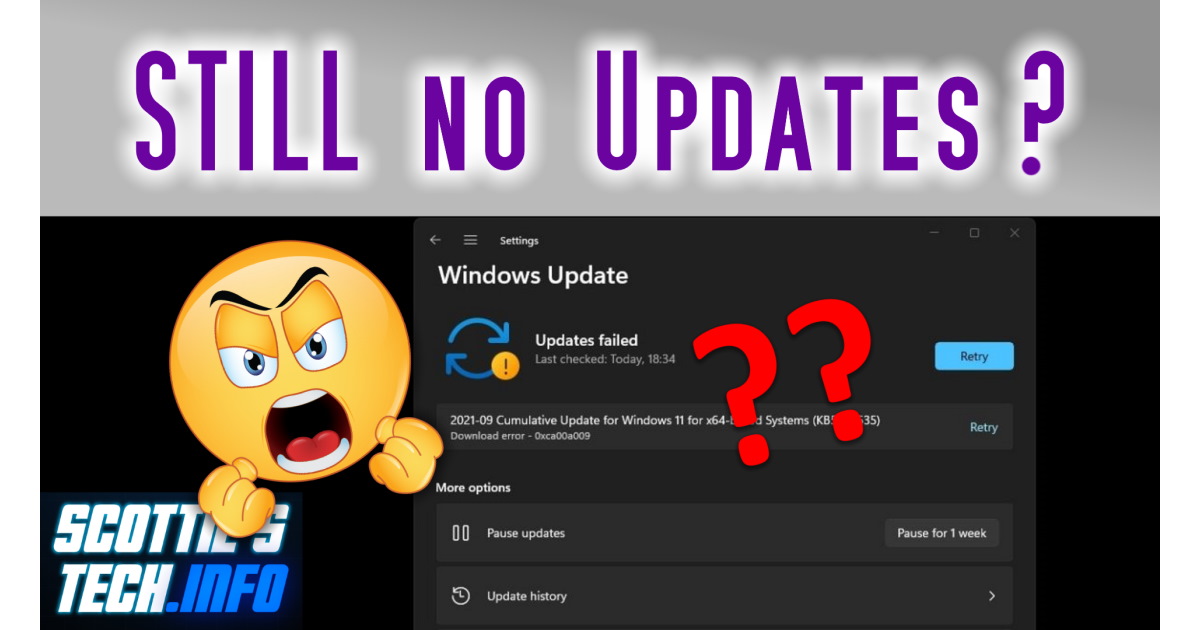
These days, updating Windows is like playing Russian Roulette. Microsoft keeps breaking things, and we have to figure out how to fix them, over and over. When you’ve finally had enough and nothing is working for you, try THIS! Not to worry: Microsoft will break it again soon, I’m sure!
(more…)
4 July 2023 | Computers, How to |
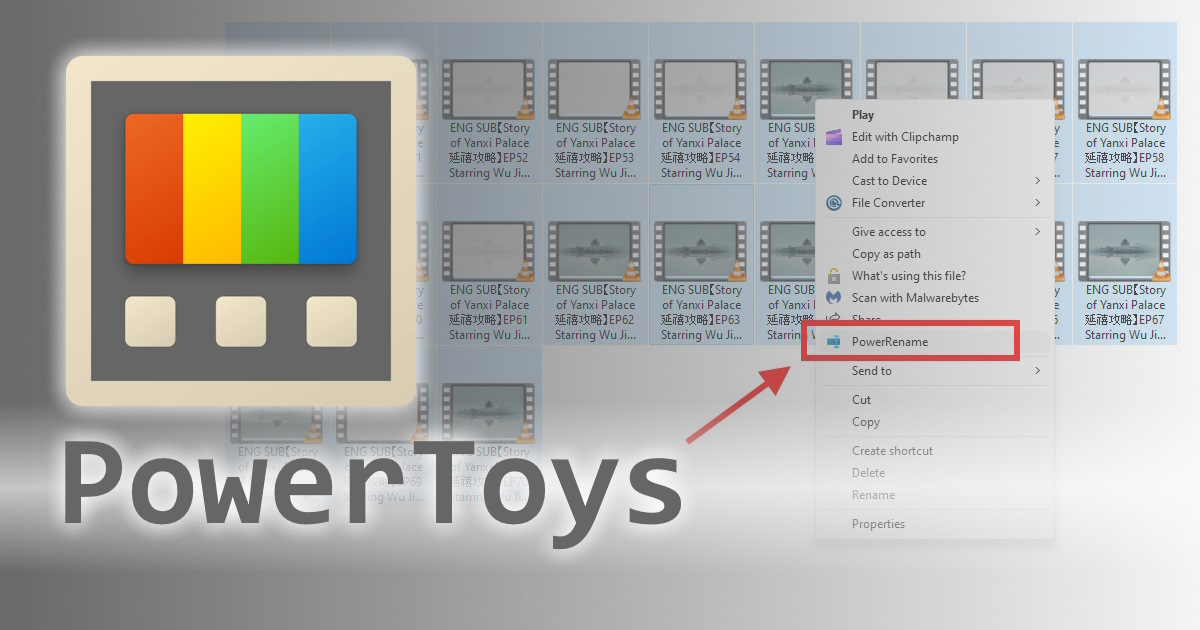
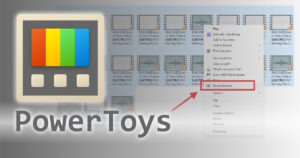 Let’s say you have a folder with a ton of files, but they all have super-long file names.
For example, a folder with a bunch of video files like this:
ENG SUB【Story of Yanxi Palace 延禧攻略】EP50 Starring Wu Jinyan, Qin Lan, Nie Yuan, Charmaine Sheh.mp4
Wow, that is a CRAZY-long filename. What’s worse, it has Chinese and other weird characters in it. Those might screw up your streaming media player, for example.
Well, okay: How to bulk rename a bunch of files at once?
(more…)
27 June 2023 | Computers, Do-It-Yourself, How to, Video |
 Windows is giving you trouble? Stuff is crashing?
Normally, you’d just pull out your hair and start screaming.
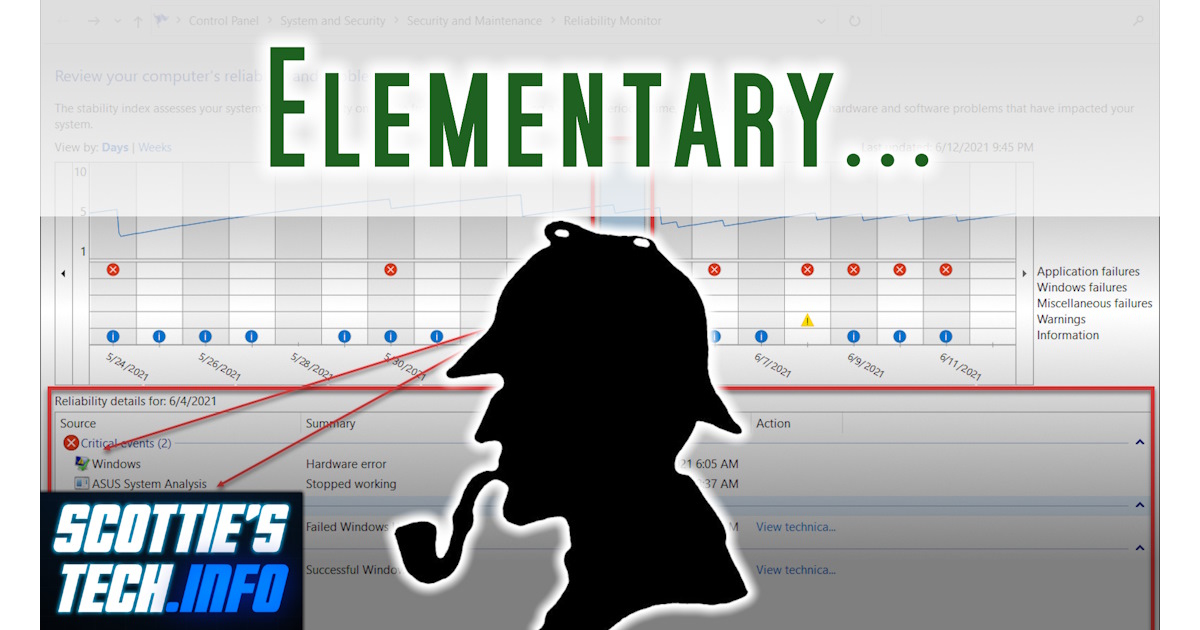
But what if you could see exactly WHY it’s crapping out on you?
Actually, you can! And it’s easier than you think…
Join me for a look at Windows logging and how you can become a Pro Techie and amaze your friends!
(more…)
7 March 2023 | Computers, Gizmos, Spare Me! |
 Windows 12 has been in the news lately.
Specifically, rumors are swirling that not only will there be a Windows 12, but it will be “AI-powered”.
Of course, this requires support preferably from Intel’s next 14th-gen processors as well as from AMD’s equivalent offerings.
That means Windows 12 will probably have even tighter hardware requirements than Windows 11, sadly…
But hang on, does anyone even use Windows anymore?!
(more…)
29 November 2022 | Computers, How to, Video |
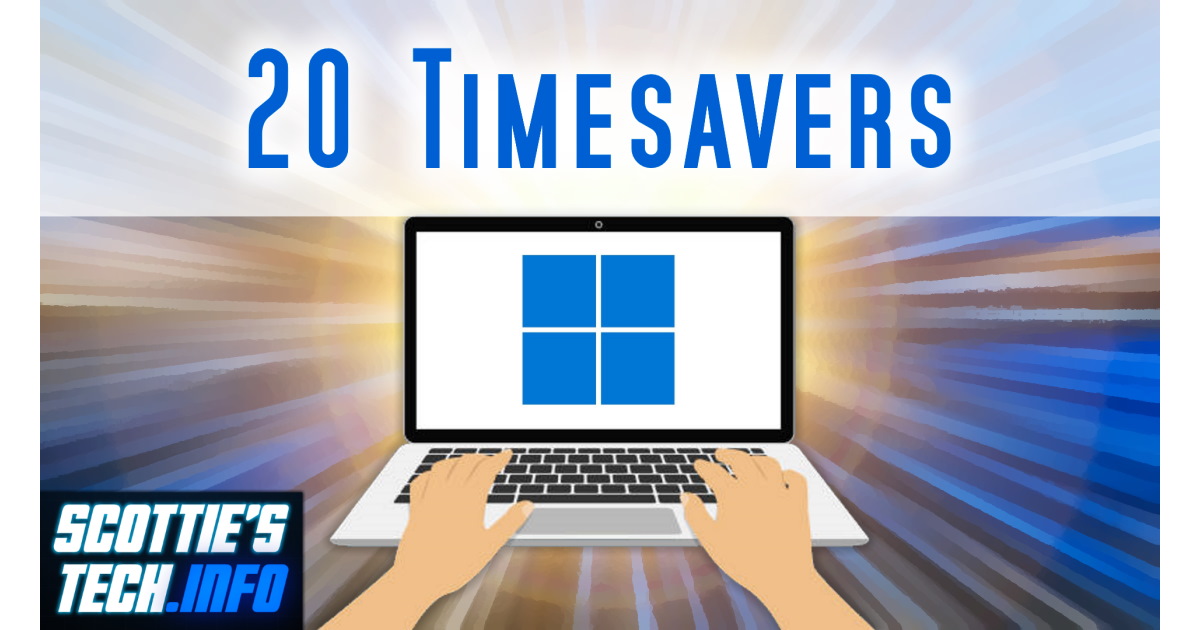
 Most people are NOT power users.
We all still need to get stuff done…
After many years of watching eyeballs widen when I do something on a Windows PC, my wife suggested it was time to make this video!
Without further ado, these are 20 time-saving tips and tricks so that you can get the most out of your puter time – and maybe even save your sanity in the process!
(more…)
25 October 2022 | Computers, How to |
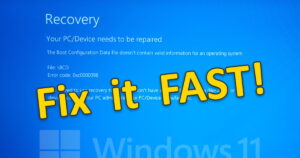 The Windows 11 22H2 feature release is out in the wild. Unfortunately, there are a few problems with it…
On my modern laptop, I upgraded to 22H2 and everything seemed to be going well…
Until I did a hard reboot a few hours after the upgrade was complete.
I got a Blue Screen before Windows even loaded with the message that my PC/Device needs to be repaired: The Boot Configuration Data file doesn’t contain valid information for an operating system.
Well, golly gee whiz Mr. Johnson, that’s just swell!! What to do now??
(more…)
10 May 2022 | Computers, Gizmos, How to |
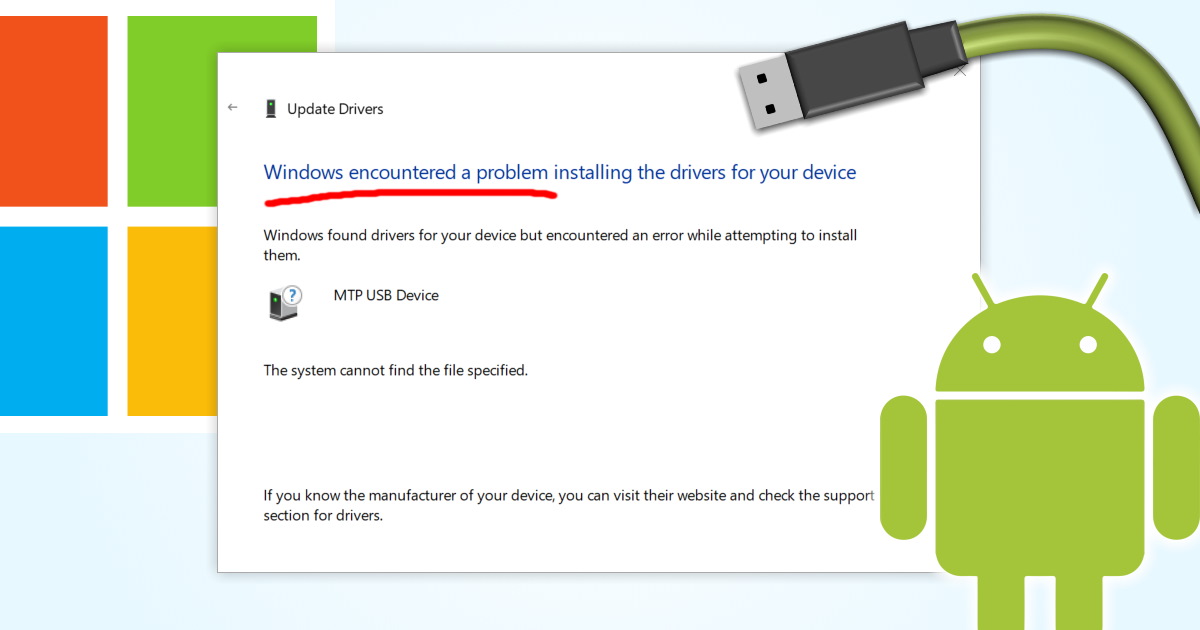
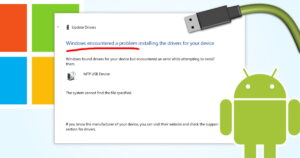 This one’s a lot of fun!
You connect your Android phone or tablet with a USB cable to your PC. You expect to be able to browse the files on your phone, or transfer photos/video.
Nope! Nuttin’. Nada. ZILCH.
It worked before, so what happened? Better yet, how do you fix it?!
(more…)
29 March 2022 | Computers, How to, Video |
 If you have no idea why you might want Windows 11, you’re not alone.
Microsoft is terrible with the whole marketing thing.
Nevertheless, I happened to discover by accident a handy new feature in Win 11 just the other day.
How many more are hiding in the shadows just waiting to be found???
(more…)

 You’ve tried everything: Task Manager, Startup Apps in Settings, even uninstalling some applications…





Recent Comments