21 November 2023 | Computers, How Does it Work?, How to, Video |
 You finally upgrade your motherboard and processor, but you can’t boot.
In fact, you can’t even see your harddrive in the BIOS or the OS installer.
What the heck is going on?
Well, the explanation gets hairy… But thankfully, there are two solutions, and one of them is pretty simple!
(more…)
22 November 2022 | Uncategorized |
 If you’re using Windows Subsystem for Linux (WSL), you may be wondering how to upgrade your flavor of linux in place.
Whether you’re using WSL or WSL2, you could just go to the Windows Store and download the whole new shebang.
In my case, I was using Ubuntu 18.04 LTS, and it’s gonna die in the near future. So, I wanted to do a double-upgrade from 18.04 to 20.04 to 22.04. I’ve got a ton of stuff installed and configured, shell scripts set up, rsync, git, and so on – and I didn’t want to have to redo all of it.
Due to some strange error messages when you try do-release-upgrade, it doesn’t seem like you can do an in-place upgrade in WSL1/2 – but you can!
(more…)
15 January 2019 | Computers |
Regular readers are aware that I have been doing battle with re-activating Windows 10 after performing numerous major upgrades on various puters.
I had another opportunity recently to upgrade yet another machine… This time, the entire computer was replaced – except the graphics card and power supply.
Once again, I was confronted with an activation error after the upgrade.
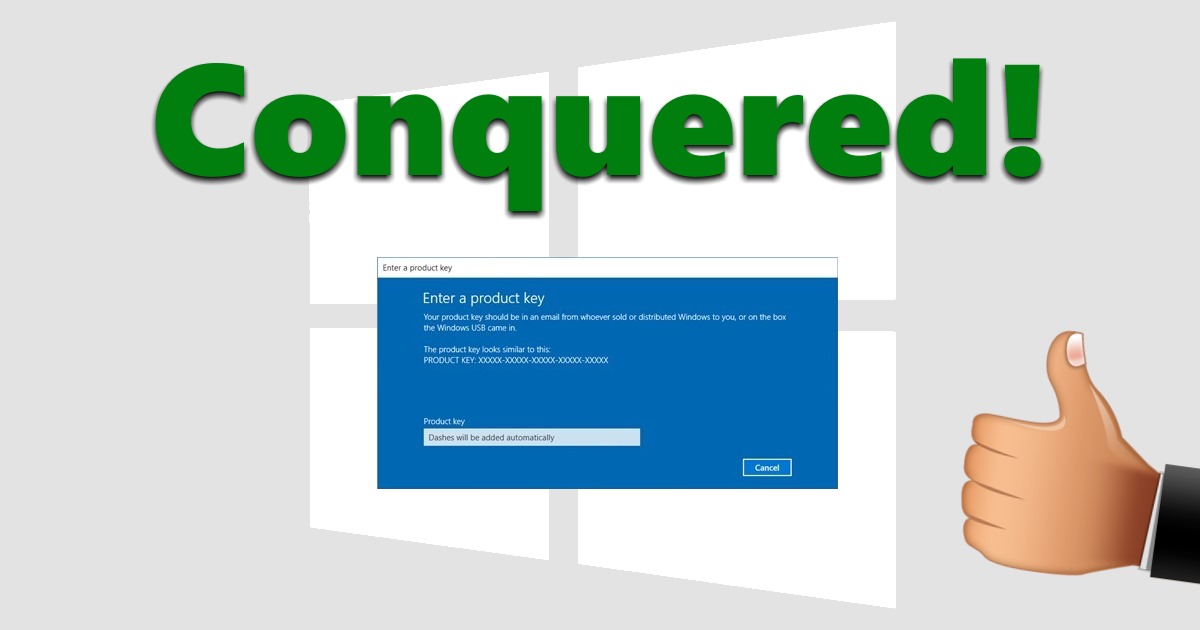
Out of desperation, I tried something crazy… and it WORKED!
(more…)
13 November 2018 | Computers |
 Oh for the love of Pete…
Yes, I ran into even more Windows 10 activation issues recently.
I didn’t even do anything wrong.
This time, it was a spontaneous message that my Win 10 Pro on my main desktop puter was not activated – just, well, because…
It turns out this was a known bug that MS has supposedly fixed.
Yes, I’m afraid I’ve had it…
(more…)
21 August 2018 | Computers |
 A little over a month ago, I had the opportunity to upgrade a whole slew of Win 10 machines.
Back then, I wrote this article: Reactivating Windows 10 after a second major hardware upgrade
Now, I thought I had everything figured out in terms of re-activing Win 10 after a hardware upgrade.
However, it seems things have changed in even more ways than I thought.
SIGH (again)…
(more…)
10 July 2018 | Computers |
 I recently ran into a little problem: I upgraded a puter that had Windows 10 on it, and Win 10 refused to reactivate afterwards!
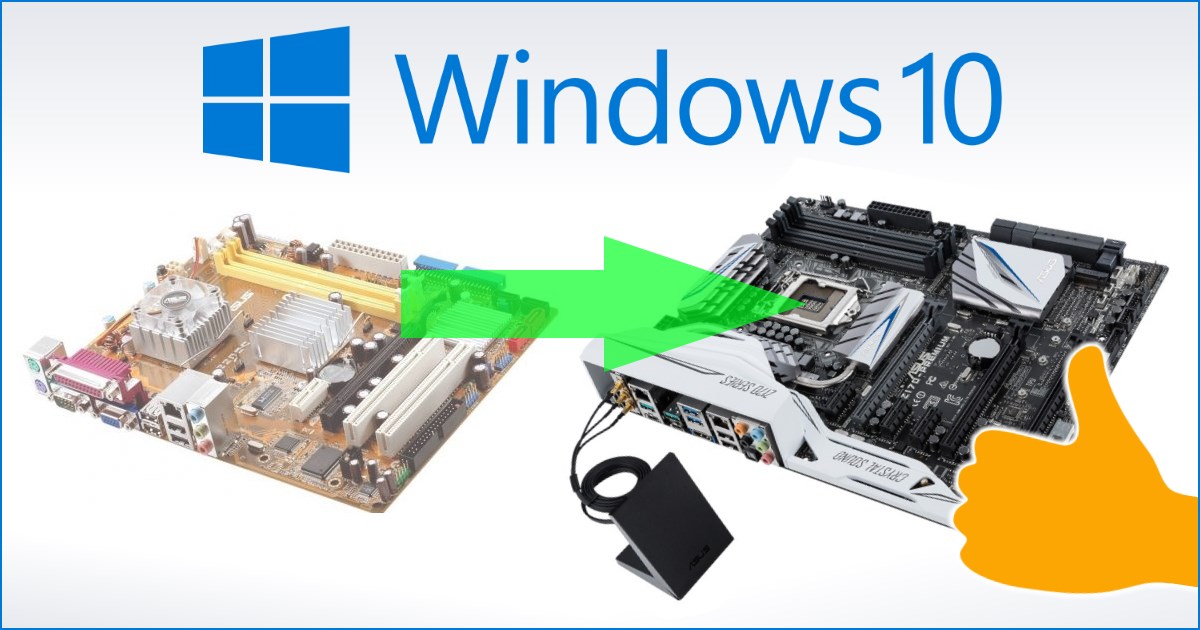
Now, you might have read my guide here: Upgrade your motherboard without reinstalling Windows 10
Well, it works.
But… It appears there is a limit to the number of times you can upgrade the hardware in your puter before M$ will insist on a call to their beloved Tech Support line.
SIGH…
(more…)
15 January 2018 | Computers |
 It’s been several months since Windows 10 1709 was released. Even now, not all puters out there have received the update. As with all versions of Win 10, Microsoft rolls them out slowly over time.
Sometimes, you might not get the latest version because of some incompatibility or other issue. Other times, maybe your internet sucks and it just takes a long time to download 3GB in the background!
In any case, you’ll get the update soon enough – but that doesn’t mean it will work.
The following is my collection of fixes that usually work to convince a puter to successfully install the latest flavor of Windows 10…
(more…)
26 February 2017 | Computers |
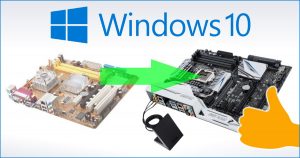 You’ve upgraded to Windows 10. All is well.
But then one day, you decide to upgrade your motherboard, processor, and RAM…
With Windows 7, you didn’t have anything to worry about. Most likely, Windows would reactivate after your upgrade, and if it didn’t, an automated phone call to Microsoft was all it took to get back up and running.
But then came Windows 10: You now have a digital entitlement, which then changed to a digital license, which means… ??? Furthermore, until recently your ONLY option was to reinstall everything.
So how the heck do you reactivate Windows 10 after a major hardware upgrade?
(more…)
23 May 2016 | Computers |
 Ooooh, man…
Well, it’s finally happened: Microsoft is basically tricking users into installing Windows 10.
That’s right. You now have to be VERY careful if you don’t want Win 10 to automagically download and install.
By now, we’re all used to M$ making decisions for us, but this one is just a bit over the top.
For the time being, there are still ways around it – but I’m not holding my breath…
(more…)
8 May 2016 | Computers |
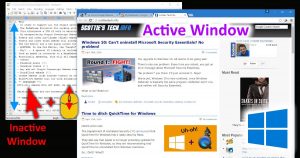 For those of you who have been avoiding the free upgrade to Windows 10, there is one very good reason why you might want to rethink your plans.
The most obvious reason is that apparently, Windows 10 will no longer be a free upgrade after July of this year. And one way or another, eventually you will get a new puter, and the only supported OS will be Windows 10, anyway…
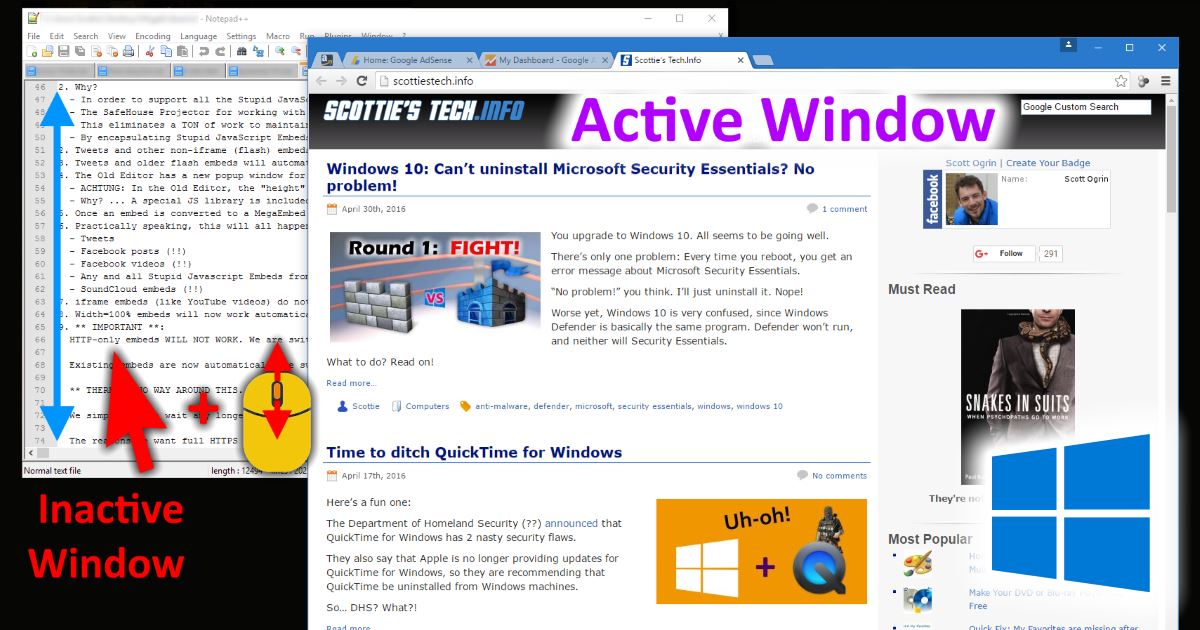
But if that doesn’t convince you, how about this: Windows 10 let’s you scroll inactive windows just by hovering the mouse pointer over the window.
What on Earth am I talking about?
(more…)

 You finally upgrade your motherboard and processor, but you can’t boot.




Recent Comments