27 December 2018 | Networking |
Way back in early 2009, I wrote a post entitled: How to Determine the Master Browser in a Windows Workgroup
Since then, quite a number of people have downloaded and used my little LANscanner program for displaying the IP addies, MAC addies, workgroup, and Master Browser of all the gizmos on their local network.
One problem: With the release of Windows 10 1709, it stopped working.
Well, I’m happy to announce the release of LANscanner v2.0!
(more…)
14 May 2015 | Computers, Networking |
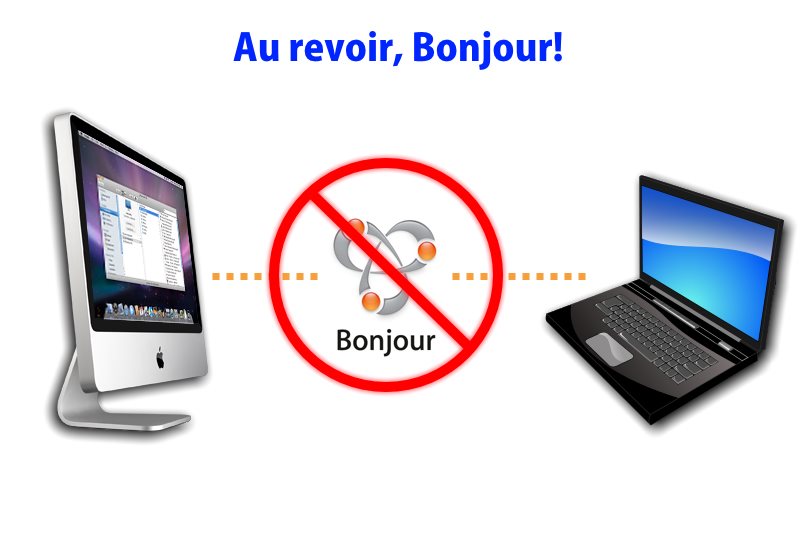
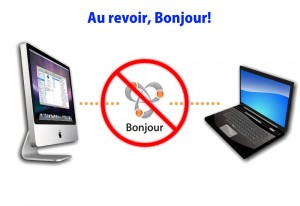 Bonjour is Apple’s way of doing zero-configuration networking. It’s a bit of software that does three things:
- Service discovery on the local network (LAN)
- IP address assignment/sharing
- Hostname resolution
Normally, things like IP address assignment are handled by DHCP. With Bonjour, the idea is that all you have to do is plug your gizmos in, and turn them on. Bonjour will then “scan” the network, and all devices and services on the LAN will be automagically configured for you. Each gizmo will have an automatically configured IP and hostname, and you’re done.
This is great, except when you don’t want Bonjour to do its thing. Perhaps you have a mostly Windows/Linux LAN, or you want to restrict access to a certain group of computers on your LAN that are separated from the rest by a physical home router/firewall. Bonjour makes this rather difficult, since it sneaks by basic IP/MAC filtering you might set in your router.
So, how do you block Bonjour?
(more…)
22 August 2009 | Networking |
 Let’s say you have a network of more than ten Windows computers connected in a local workgroup without a domain controller. One of the computers has a printer connected to it, and more than ten machines in the workgroup need to print at the same time.
Well, you might say, “Dude, get a server!” or “Dude, get a print server!”
True, that would solve the problem… But sometimes, things like money and technical knowledge are limiting factors in such cases.
The good news: It’s actually really easy to increase the limit and get everybody printing/sharing files in a very short time!
(more…)
14 February 2009 | Networking |
 Here’s a little problem that drove me crazy: How do you determine the Master Browser in a Windows Workgroup?
First of all, lemme explain a bit about how a workgroup works. When you have a LAN set up running Windows machines, each machine can see all the others in Network Neighborhood (or just “Network” in Vista). If you want to see the files on another machine, you just go to Network Neighborhood, click, et voila!
The other method you can use is to open Windows Explorer (keyboard shortcut: Win-E) and in the location/address bar, type:
\\COMPUTER-NAME
So, if you want to go to the computer called BALTHAZAR, you’d type:
\\BALTHAZAR
And hit enter. This is handy to know if Network Neighborhood is not working. And a grumpy Network Neighborhood is exactly the reason why sometimes, you need to find out which computer is the Master Browser.
(more…)




Recent Comments