5 May 2020 | Computers, Video |
 And now it’s time for something completely different!
Computers are an integral parts of our lives now.
Sometimes, we forgot how far we’ve come in such a short time.
We also don’t usually hear the details of where some specific piece of technology came from.
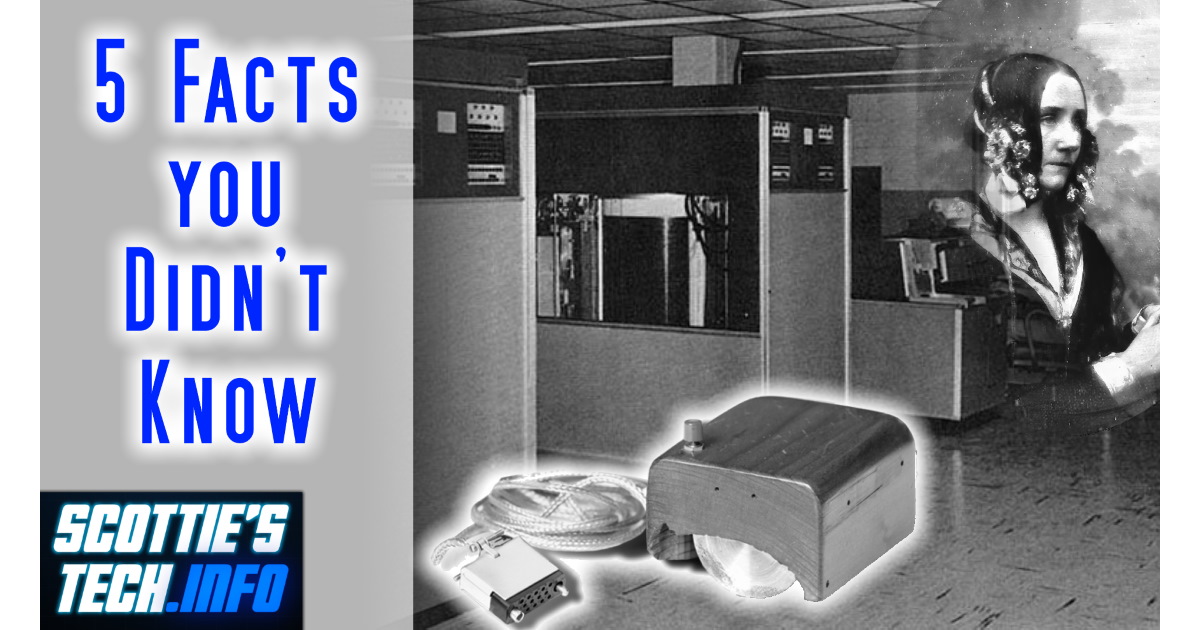
So, join me for 5 Fun Computer Facts you probably didn’t know!
(more…)
28 April 2020 | Computers |
 There you are, minding your own business…
Maybe you just installed a Windows 10 update. Maybe you just had to run a disk check that asked you to reboot. Maybe you didn’t really do anything out of the ordinary at all.
Whatever the case, things go kaflooey. All of a sudden, you can’t save or create new files on a certain drive – be it a hard drive, partition on a drive, external disk, USB stick, etc.
Instead of working, you get an error message that your, “drive is read-only“.
At this point, you begin to panic. But fear not: It’s super-easy to unlock your drive and remove its “Read-Only” mode!
(more…)
12 February 2019 | Computers, How Does it Work? |
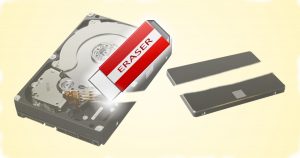 When the time comes to upgrade your puter, you may end up with a leftover hard drive or SSD.
Obviously, you’re going to need to recycle the drive…
But what about the data on it?
There are a million ways out there to erase a drive before sending it to the great bit bucket in the sky…
But which one is best?
(more…)
13 February 2018 | Computers, How Does it Work? |
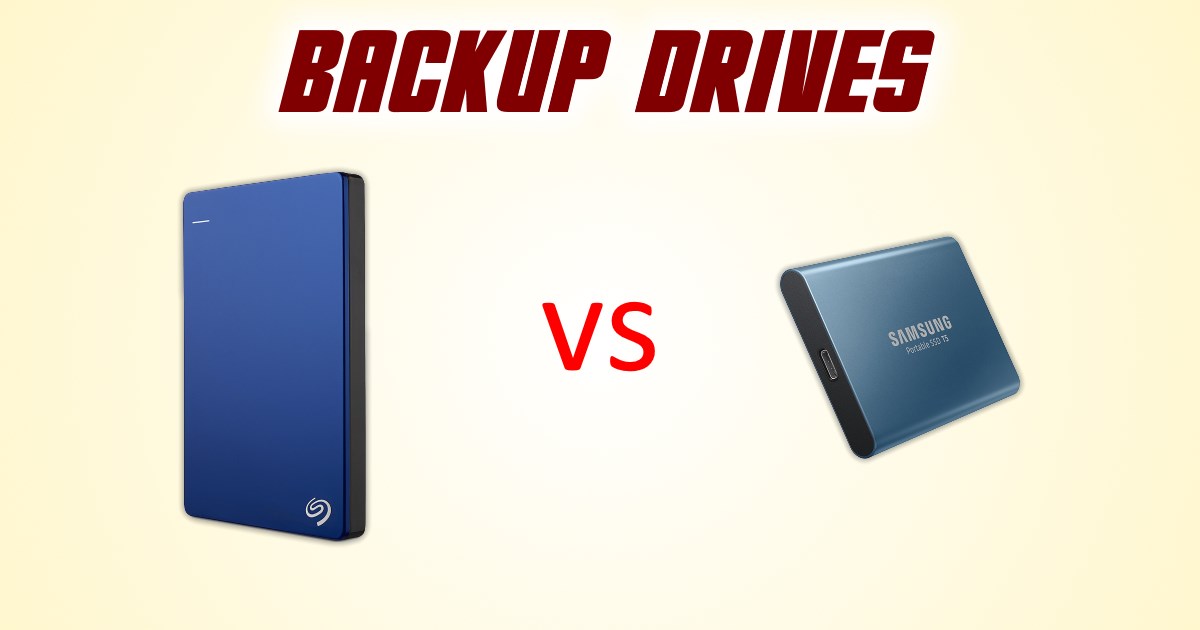
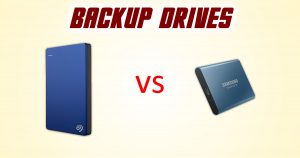 A friend recently asked me about what backup hard drive to buy.
He mentioned an external SSD, which made me do a double-take. External SSD?!
Well, yeah. Apparently, they’ve been around for years already, although only recently have prices become a bit more reasonable.
And, until now, I hadn’t even seen an ad for one!
An external SSD as a backup drive has the primary benefit of SPEED!
But is it worth it? And are they reliable enough for use as a backup drive that might sit on your shelf for months or even years on end?
(more…)
12 November 2017 | Computers |
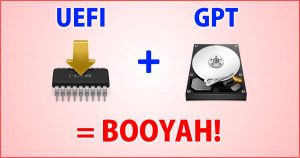 In the olden days, your puter had a BIOS.
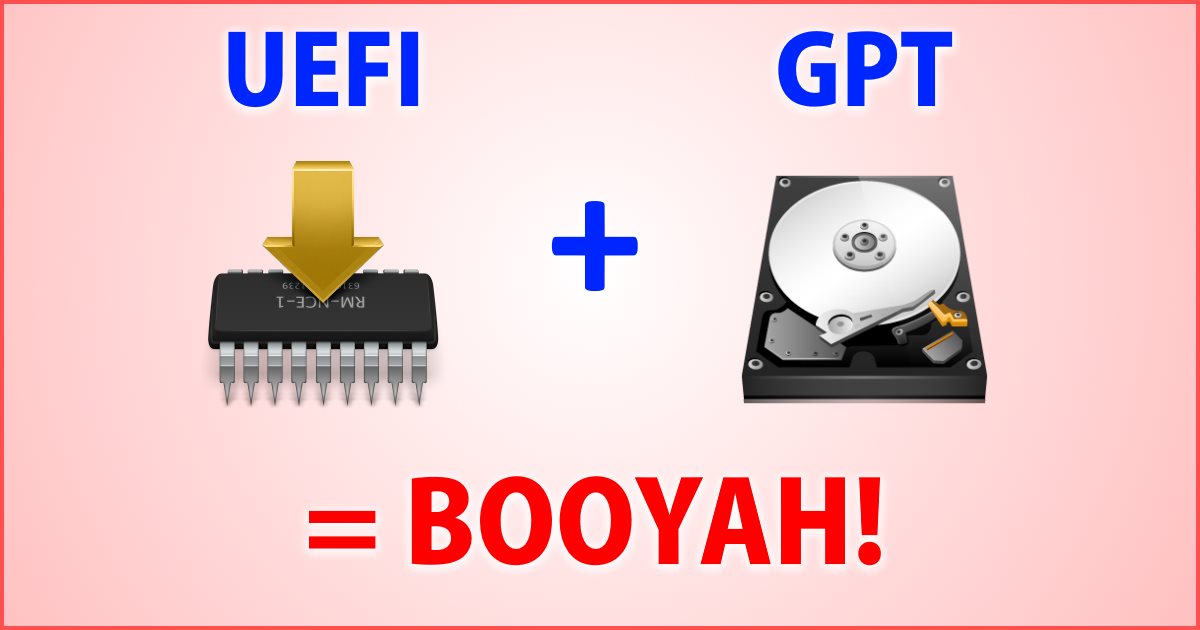
Nowadays, the BIOS is rapidly giving way to UEFI, which provides all kinds of benefits.
At the same time, hard drives have sort of evolved, so now we’re supposed to use GPT instead of MBR.
Well, okay… First of all, what does all that mean?
And second, how on earth do you convert your MBR drive to the new GPT format without having to reinstall Windows?
It turns out Microsoft has made the process really easy!
(more…)
20 March 2016 | Computers, How Does it Work? |
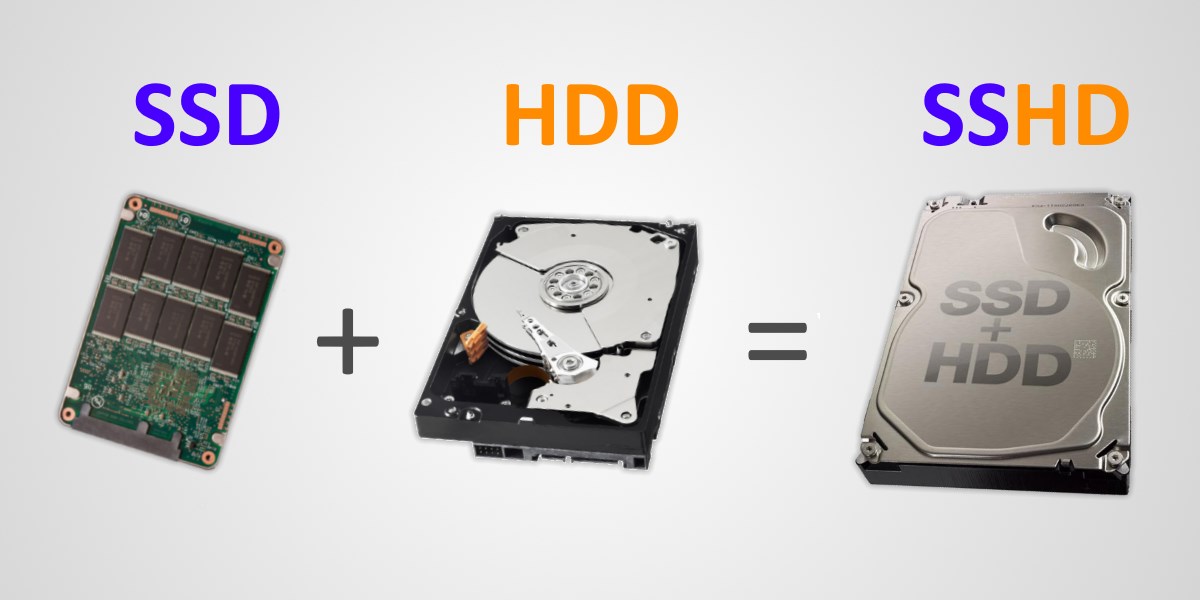
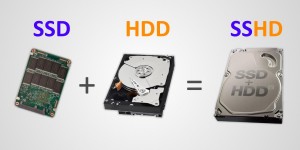 You’ve probably heard of SSDs (solid state drives). These are hard drives that use a type of very fast and very robust flash memory for data storage instead of a spinning magnetic disc.
SSDs are very fast, and until recently, their storage capacity was limited relative to old-fashioned mechanical spinning HDDs. They were also rather pricey.
You probably haven’t heard quite as much about SSHDs: hybrid mechanical hard drives with a small amount of SSD-type storage built-in. The idea here is that the SSD part of the drive can be accessed very quickly, so it acts as a very fast buffer between your puter and the slower mechanical part of the drive.
The result? SSHDs are faster than a mechanical HDD, not as fast as an SSD, but still offer 2TB, 4TB, or even more storage space – all at an affordable price.
(more…)
6 March 2016 | Computers |
 Let’s say you want to dual-boot between Windows and some flavor of linux.
You might think that you need some kind of fancy partitioning software like Paragon Hard Disk Manager 15 Suite to free up disk space for the linux partitions.
You might also think that your linux installer will do everything for you automatically.
As it turns out, neither of the above are always true!
Sometimes, you need free space on your drive in order for the linux install (even Ubuntu) to be happy.
Fortunately, there is a very easy and built-in way to shrink a partition in all modern versions of Windows without any fancy software!
(more…)
16 July 2014 | Computers |
 If you haven’t seen Part 1, it’s here:
SSD: Why you need to upgrade your computer with a Solid State Hard Drive
With Part 1 out of the way, you’ve decided to take the plunge. Great!
How do you actually do the upgrade? Well, that can get a bit complicated.
There are a few things you’ll need to know before you even think of a DIY upgrade.
After covering those, I’ll discuss a few options for the different upgrade cases you might encounter.
(more…)
7 July 2014 | Computers |
 Everyone is always looking to make their computer faster, whether they realize it or not. Usually, it’s only after an upgrade that we realize just how pokey our machine was running beforehand.
These days, there isn’t a huge difference between a 2-year-old computer and a brand new one. Oh, sure, newer puters will always be faster… But unless you’re doing something hardcore like video editing or gaming, you probably won’t notice much of a difference.
There is one upgrade, though, that makes a huge difference pretty much across the board: the addition of an SSD.
At this point, you probably have 2 questions:
- What is an SSD?
- How do I add one to my puter?
(more…)
8 January 2012 | Computers, Energy, Spare Me! |
 I hate to say, “I told you so!”, but: I told you so!
Actually, I don’t hate saying it. I’m relishing every second of this glorious moment, and I’m not ashamed to admit it.
Okay, I was ashamed for the few seconds it took me type the first sentence, but I got over it.
What the heck am I yammering about? Green hard drives, of course! You may recall a previous post I wrote:
Recently, Seagate came out and openly called “BS!” on their own green hard drive BS.
I suppose we should praise them for this, but it would have been better if they hadn’t let their marketing bozos direct their engineering department in the first place!
(more…)

 And now it’s time for something completely different!





Recent Comments