26 March 2024 | Computers, Gizmos, How Does it Work?, Networking |
 You might think Ethernet is on its way out the door. After all, everyone just uses WiFi, right?
WRONG! For the past couple of years, my most popular video on YouTube has been:
No more WiFi: How to wire your house for Internet
Published in September of 2019, the video has garnered over 1.6 million views, and it’s still going strong.
Obviously, many people want Ethernet – contrary to popular belief. That’s good, because it’s only going to get better…
19 March 2024 | Computers, How to |
 You’ve tried everything: Task Manager, Startup Apps in Settings, even uninstalling some applications…
Nevertheless, that pesky app is still firing up every time you restart your Windows puter.
Wouldn’t it be nice if there was an EASY way to see all your startup apps and disable them in a few clicks?
There is! And it’s made by none other than Microsoft…
(more…)
12 March 2024 | Computers, How Does it Work?, Spare Me!, Video |
 AI is all the rage.
But with the recent Gemini disaster along with a lack of truly killer applications using AI, it doesn’t seem like AI is really going anywhere.
So, is it all just hype, or what?
Join me for a look at the real danger presented by AI.
Hint: It ain’t SkyNet you need to be worried about!
(more…)
20 February 2024 | Computers, Gizmos, How Does it Work? |
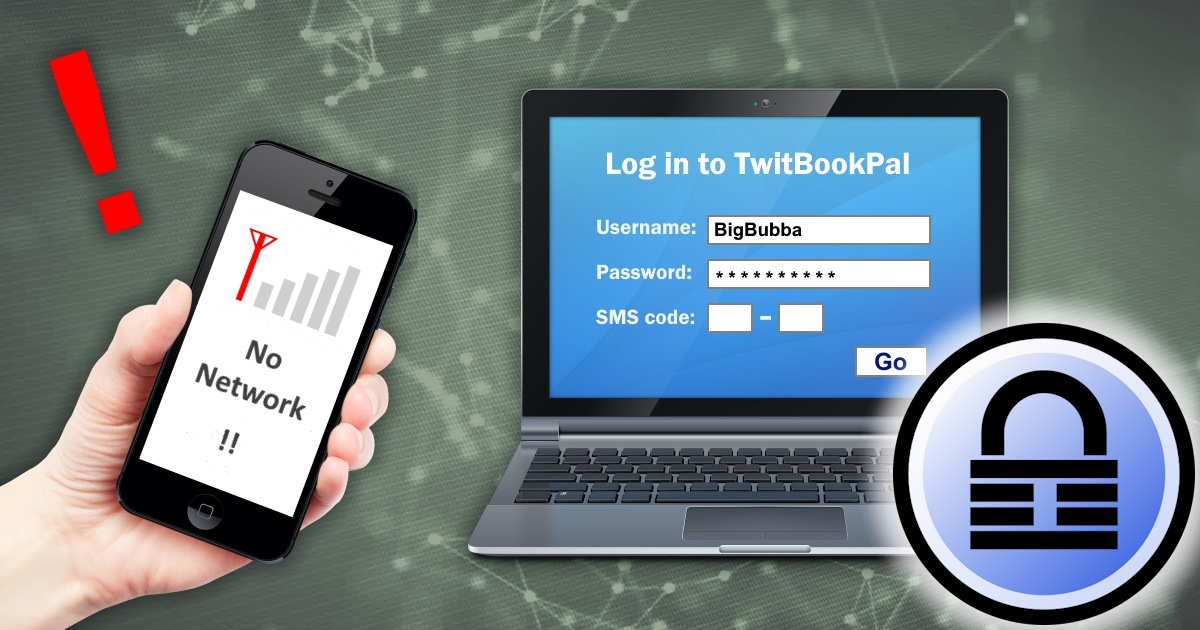
 Back in November of 2020, I wrote an article entitled Two-Factor Authentication without SMS or a smartphone.
In those days, 2FA (Two-Factor Authentication) wasn’t terribly popular. Today, it’s everywhere!
I also recommended using Authy for Windows, which is a desktop version of the popular smartphone 2FA app.
So, problem solved, right? NO! Authy just announced they’re canceling their desktop Windows app. 🙁
What the heck are we supposed to do now?!
(more…)
21 November 2023 | Computers, How Does it Work?, How to, Video |
 You finally upgrade your motherboard and processor, but you can’t boot.
In fact, you can’t even see your harddrive in the BIOS or the OS installer.
What the heck is going on?
Well, the explanation gets hairy… But thankfully, there are two solutions, and one of them is pretty simple!
(more…)
31 October 2023 | Computers, How to, Video |
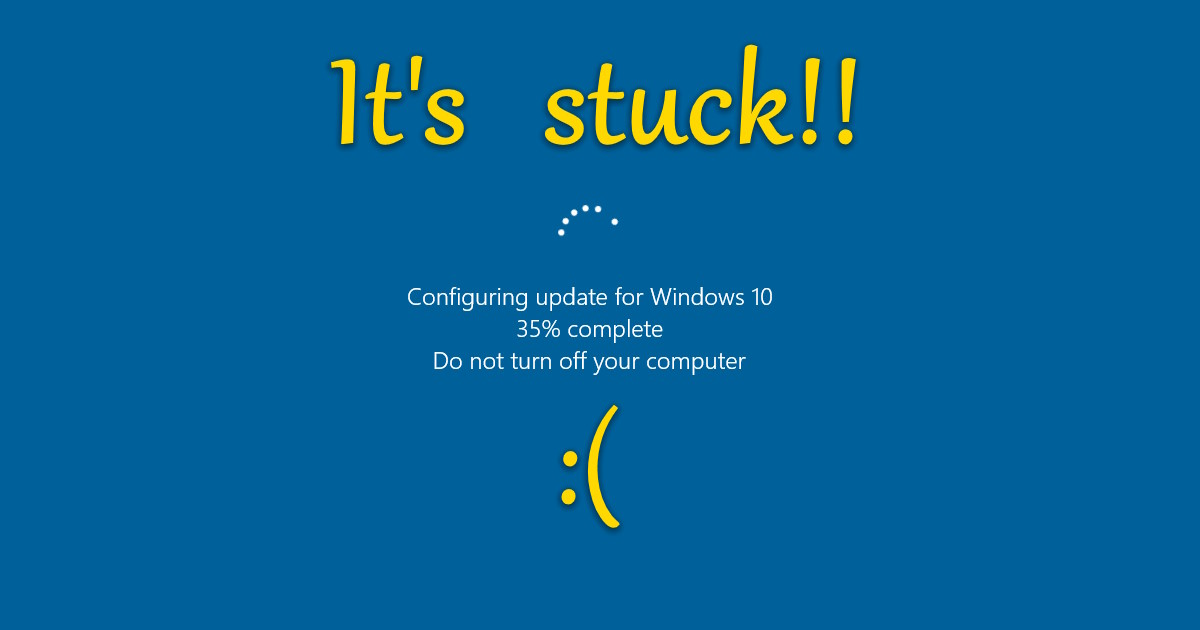
If your Windows PC is stuck doing updates, you’ve got the Blue Update Screen of Death. Even rebooting doesn’t help. What to do? Easy! Fix it like a PRO.
(more…)
28 October 2023 | Computers, How to, Video |

VLC media player will play just about any audio or video file you throw at it. Version 3 supports hardware acceleration so that it SHOULD play even hi-res vids smoothly. But when you try to play a 4K (2160p) video, the playback stutters and is basically unwatchable. What gives??
(more…)
26 October 2023 | Computers, How to, Video |
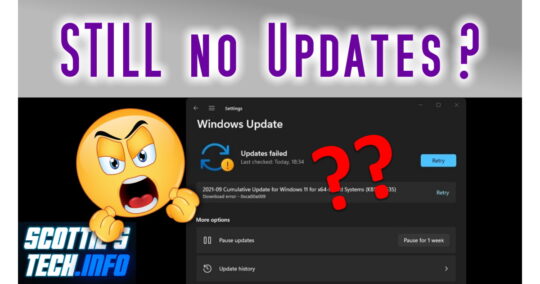
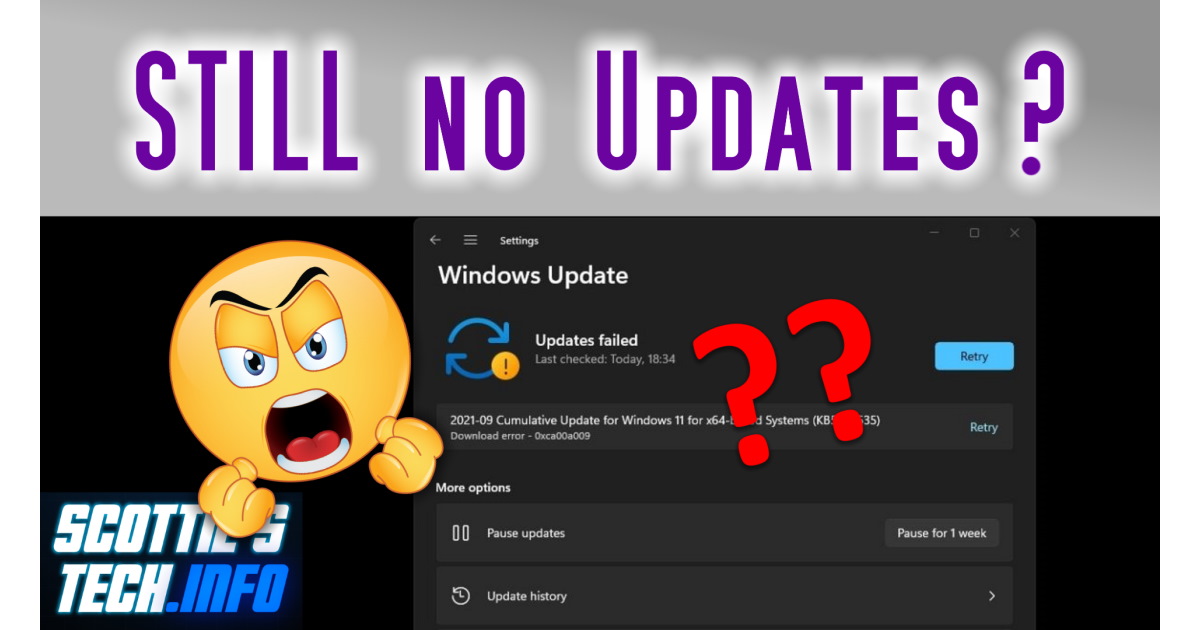
These days, updating Windows is like playing Russian Roulette. Microsoft keeps breaking things, and we have to figure out how to fix them, over and over. When you’ve finally had enough and nothing is working for you, try THIS! Not to worry: Microsoft will break it again soon, I’m sure!
(more…)
3 October 2023 | Computers, How to |
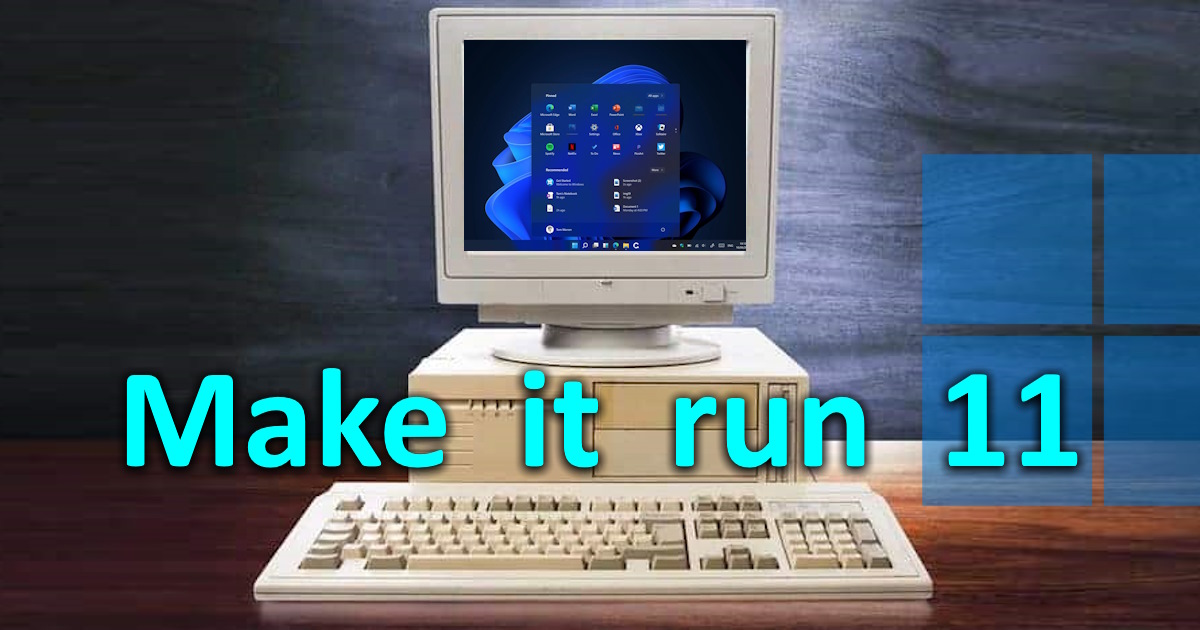
 Before Windows 11 was even released, Microsoft announced that not all puters would be able to run it.
Normally, Win 11 requires TPM 2.0, secure boot, more RAM, and so on.
So, a lot of people with older machines haven’t been able to upgrade to the latest version of Windows.
Fortunately, there’s a neat little trick that anybody can use to make Windows 11 install on ANY computer out there – even machines that date back to the XP and Vista era!
(more…)
5 September 2023 | Computers, How to |
 Now this is a fun one!
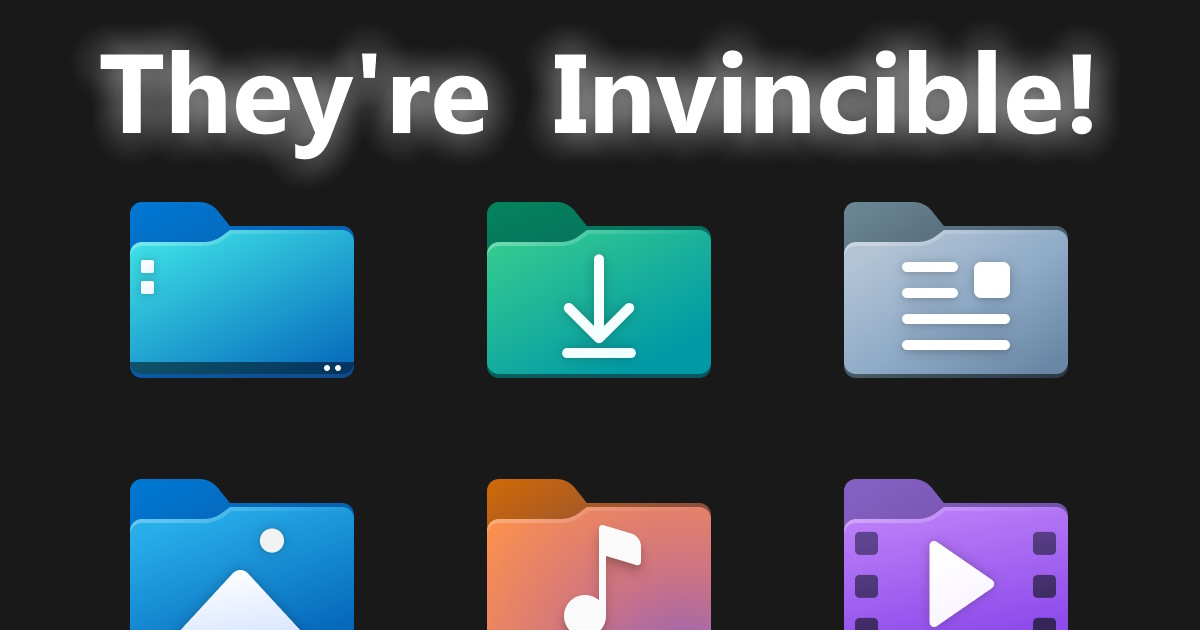
You get a new puter, fire it up, and you find the Windows Library icons on the desktop: Home, Documents, Music, Videos, etc.
The trouble starts when you try to delete them: you can’t!
They’re invincible!!
So how to get rid of these persistent icons and declutter your desktop?!
(more…)

 You might think Ethernet is on its way out the door. After all, everyone just uses WiFi, right?






Recent Comments